Live Customer Chat & Smart Automation
Powered by Sobi AI Core
Every Customer Conversation. One Intelligent Platform
A self-hosted, multi-workspace live-chat platform with an operator inbox, Telegram support bot, modern analytics, and a provider-agnostic AI engine (OpenAI, Anthropic, DeepSeek, Groq, Ollama) featuring Semantic RAG and human handoff.
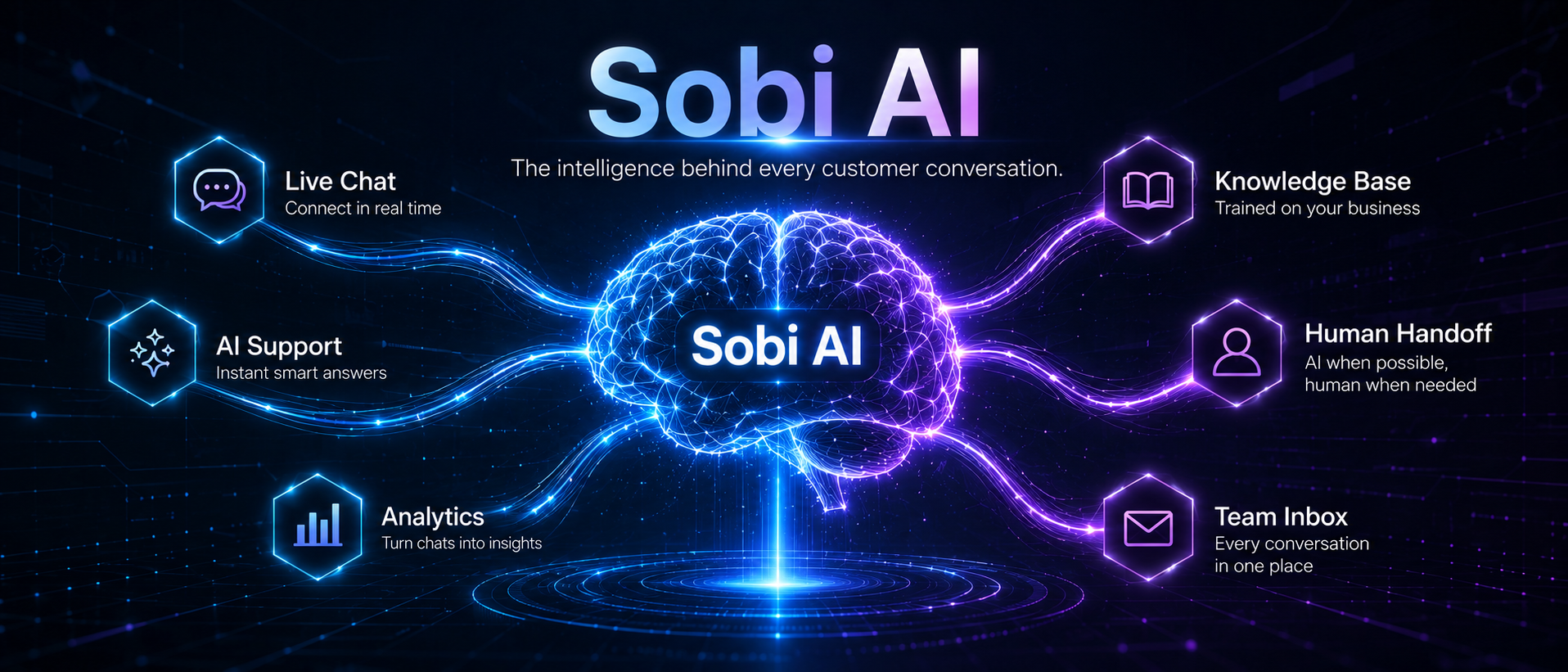
Sobi AI — Provider-Agnostic Engine
Configured via a single engine.json file and surfaced through the visual Sobi AI Studio panel.
Smart Answers, Semantic RAG & Automated Human Handoff
Sobi AI is a multi-provider brain with automated fallback, conversation memory, persona controls, and daily budget caps.
Provider-Agnostic Engine
Connects to any OpenAI-compatible API (OpenAI, Groq, Gemini, DeepSeek, Ollama) or Anthropic Claude.
Role Routing & Fallback
Define roles (draft, final) with provider priorities. If one provider fails, Sobi instantly falls back to the next.
Semantic RAG (Vector Embeddings)
Embeds knowledge chunks into vector indices to retrieve precise contextual answers for visitor questions.
Human Handoff [[ESCALATE]]
When unsure, Sobi emits [[ESCALATE]], sends a handoff message, and alerts operators instantly via Telegram.
Budget Guard & Cost Analytics
Daily token and cost caps with full per-call logging (tokens, latency, cost USD) and CSAT feedback.
Unified & Scalable Infrastructure
Click any component node below to inspect its data flow and default port.
Embeddable Vanilla JS client
Socket.IO & Data Pipeline
Operator Inbox & Sobi AI Studio
Operator Alerts & Outbound Replies
Everything You Need for Elite Support
A complete self-hosted suite designed for modern teams and growing SaaS products.
Live Chat & Operator Inbox
Real-time messaging over Socket.IO (text, voice, files, images). Message editing, replies, reactions, CSAT ratings, and AI feedback.
Multi-Workspace (Multi-Tenant)
Isolated workspaces per client website with custom branding, logos, helper profiles, operator roles, and billing plans.
Integrated CRM
Manage contacts, pipelines, deals, activity timelines, and custom properties right inside your admin panel.
Analytics & Visitor Tracking
KPI dashboard, conversation analytics, hourly/daily charts, CSAT ratings, and visitor geo-location via MaxMind GeoLite2.
Web Push & Telegram Bot
Browser Web Push notifications (VAPID) and instant Telegram alerts for operators with direct Telegram-to-visitor replies.
7 Locales & Full RTL
First-class support for English, Persian, German, Arabic, Russian, French, and Spanish with native RTL/LTR switching.
Automated 1-Command Setup
The setup.sh script provisions Python virtualenvs, installs Node dependencies, and creates template config files.
# 1. Clone project and run automated setup script
git clone https://github.com/sobi-chat/sobi-chatbox.git
cd sobi-chatbox
chmod +x setup.sh && ./setup.sh

# 2. Run Flask Python backend on port 5001
cd backend && python3 chat_server.py

# 3. Run Next.js 14 Admin Panel on port 3000 / 3001
cd frontend && npm run dev